Dartmoor Tors
Have you bagged them all?
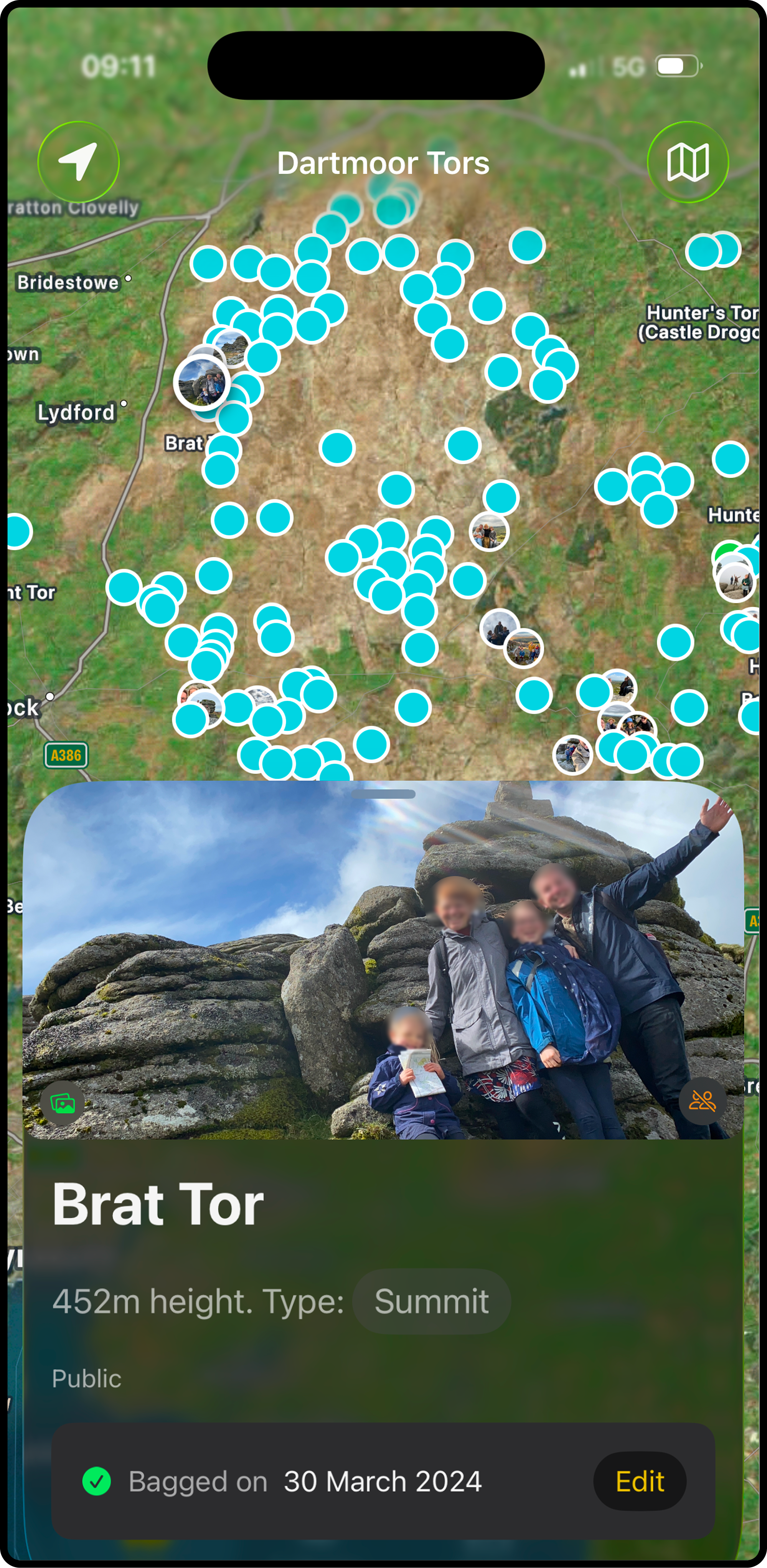
Find Tors, keep track of what you've bagged with photos and Dartmoor Tors app.

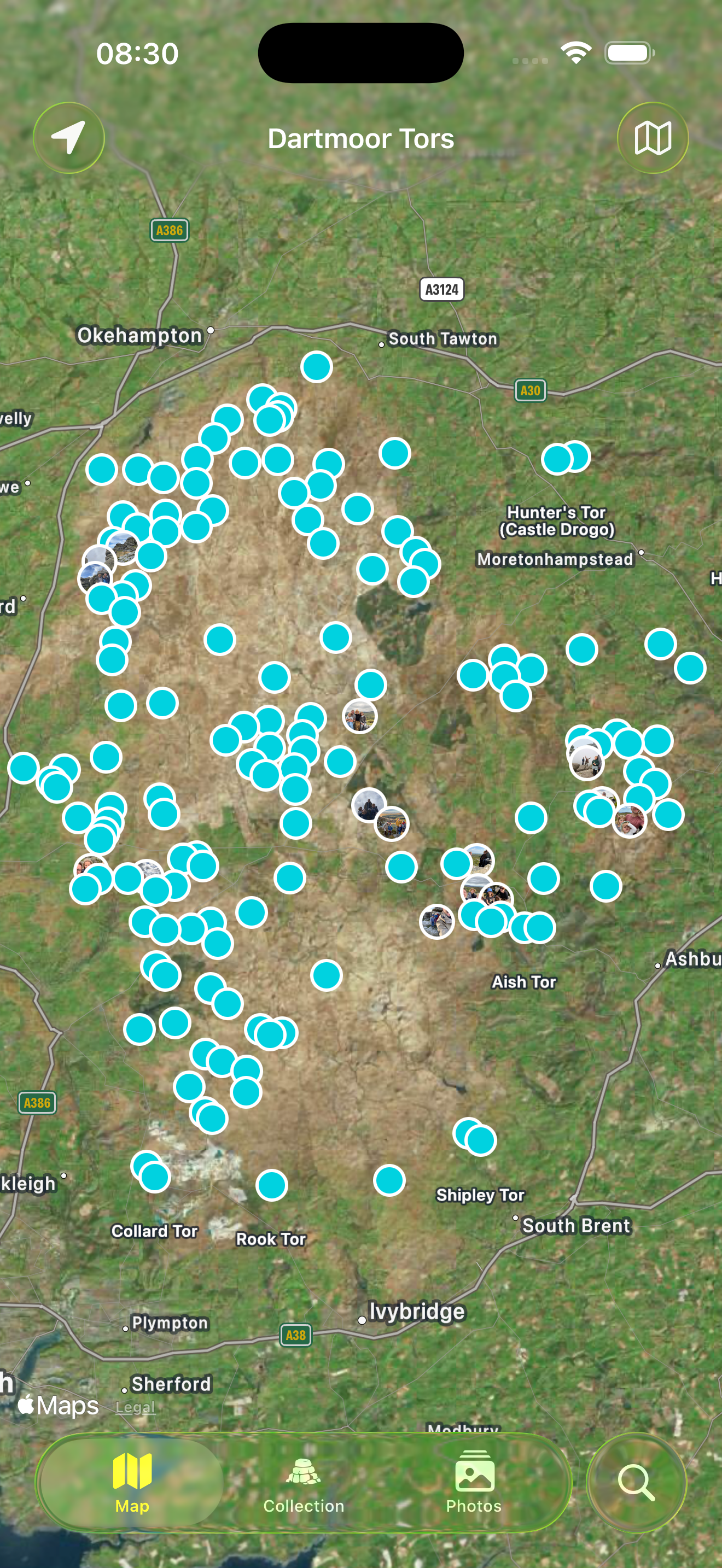
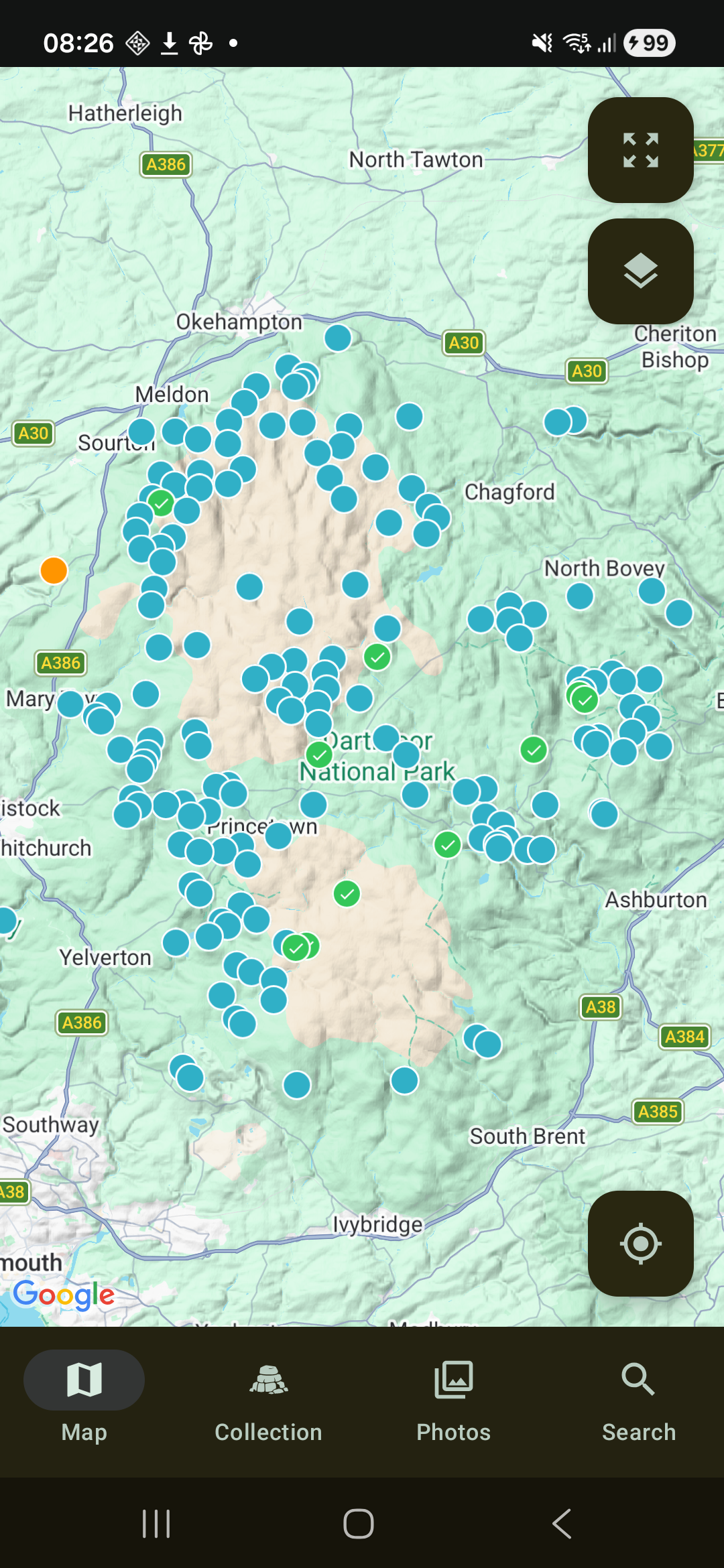
1. Select the tors you want to visit
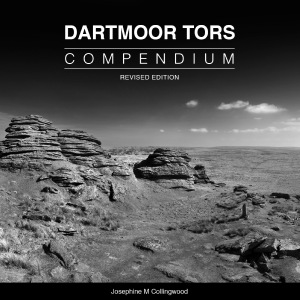
Choose a collection for Tors from The Dartmoor Compendium, OS Maps, Rock idols, torsofdartmoor.co.uk, Max Piper, and more.





2. Find and identify tors
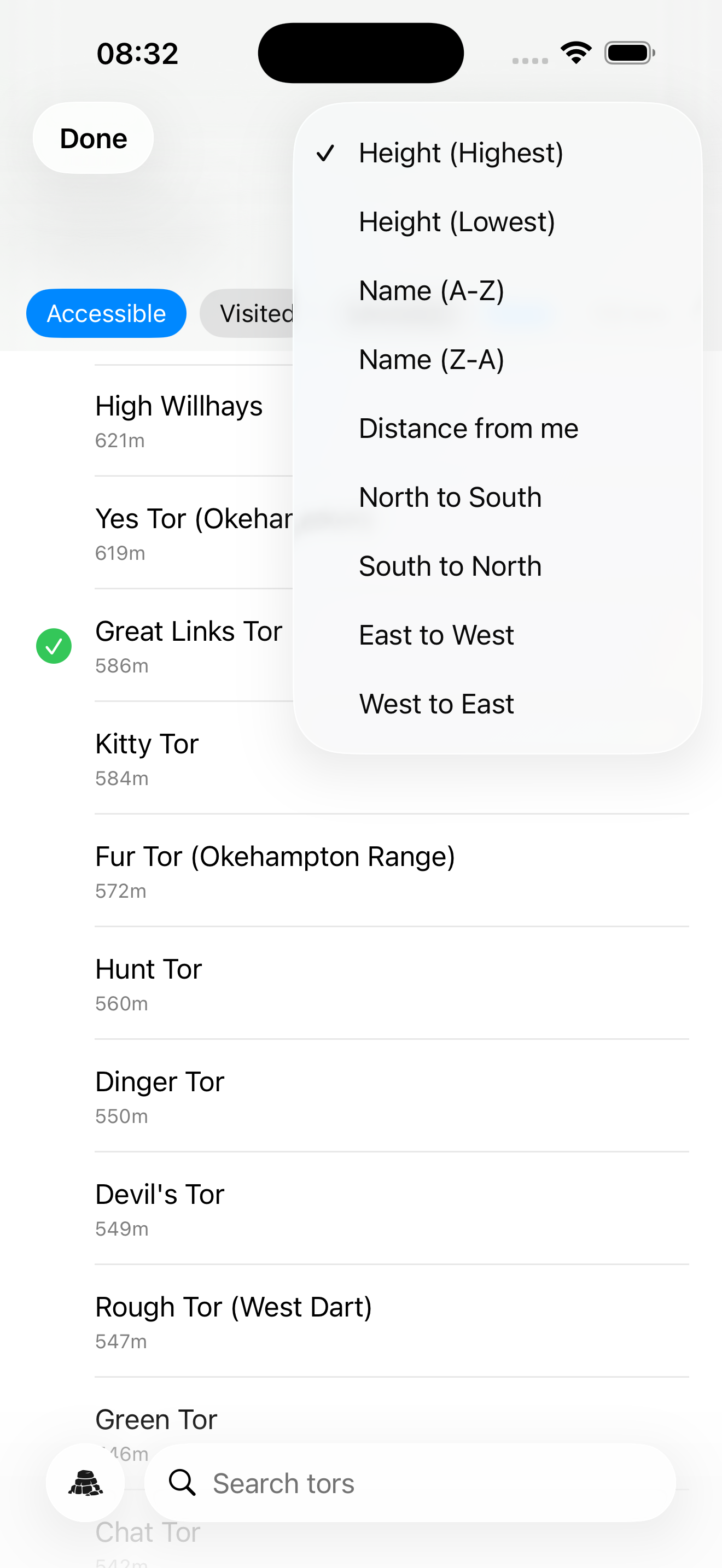
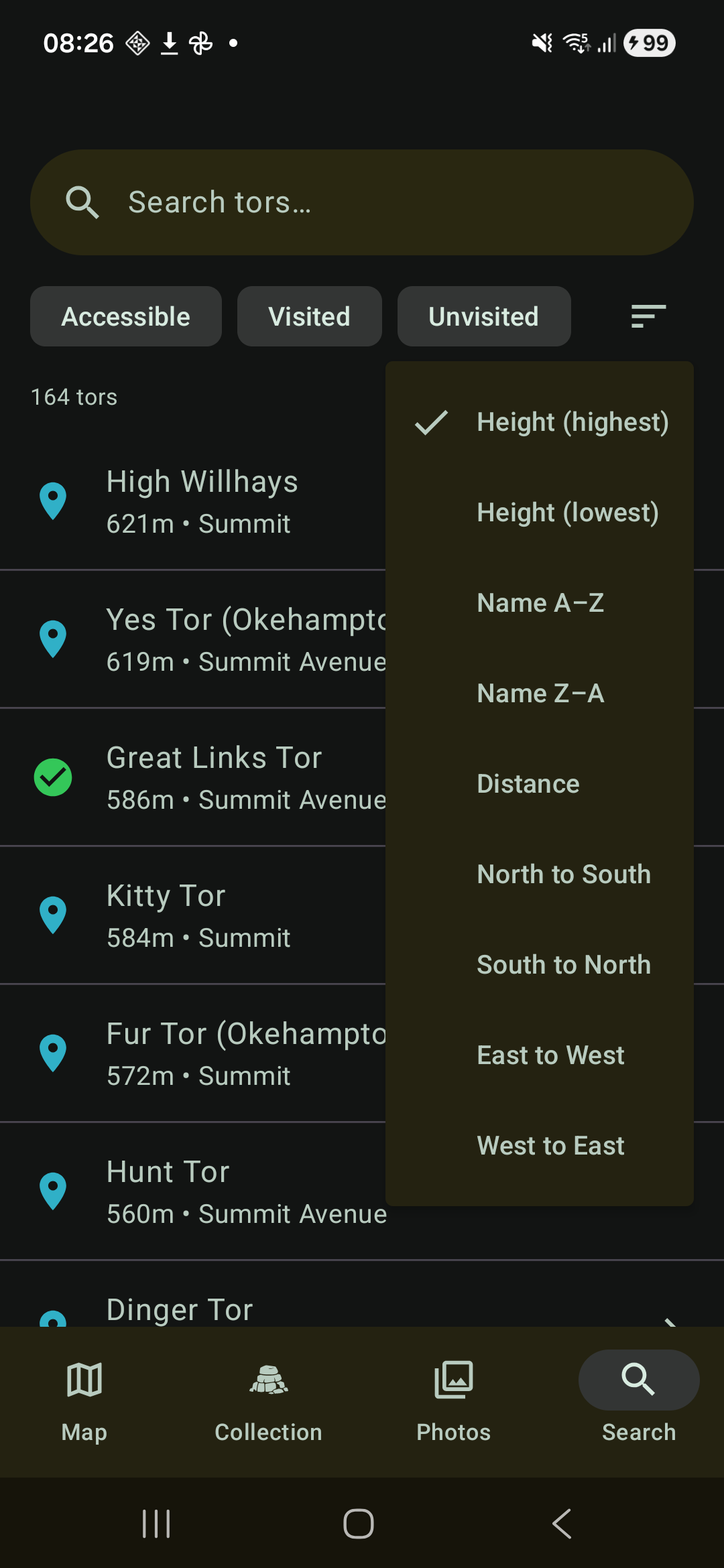
Sort, filter, search, and use your phone's GPS and compass to find tors. Open a tor on Google, OS or Apple maps for directions.
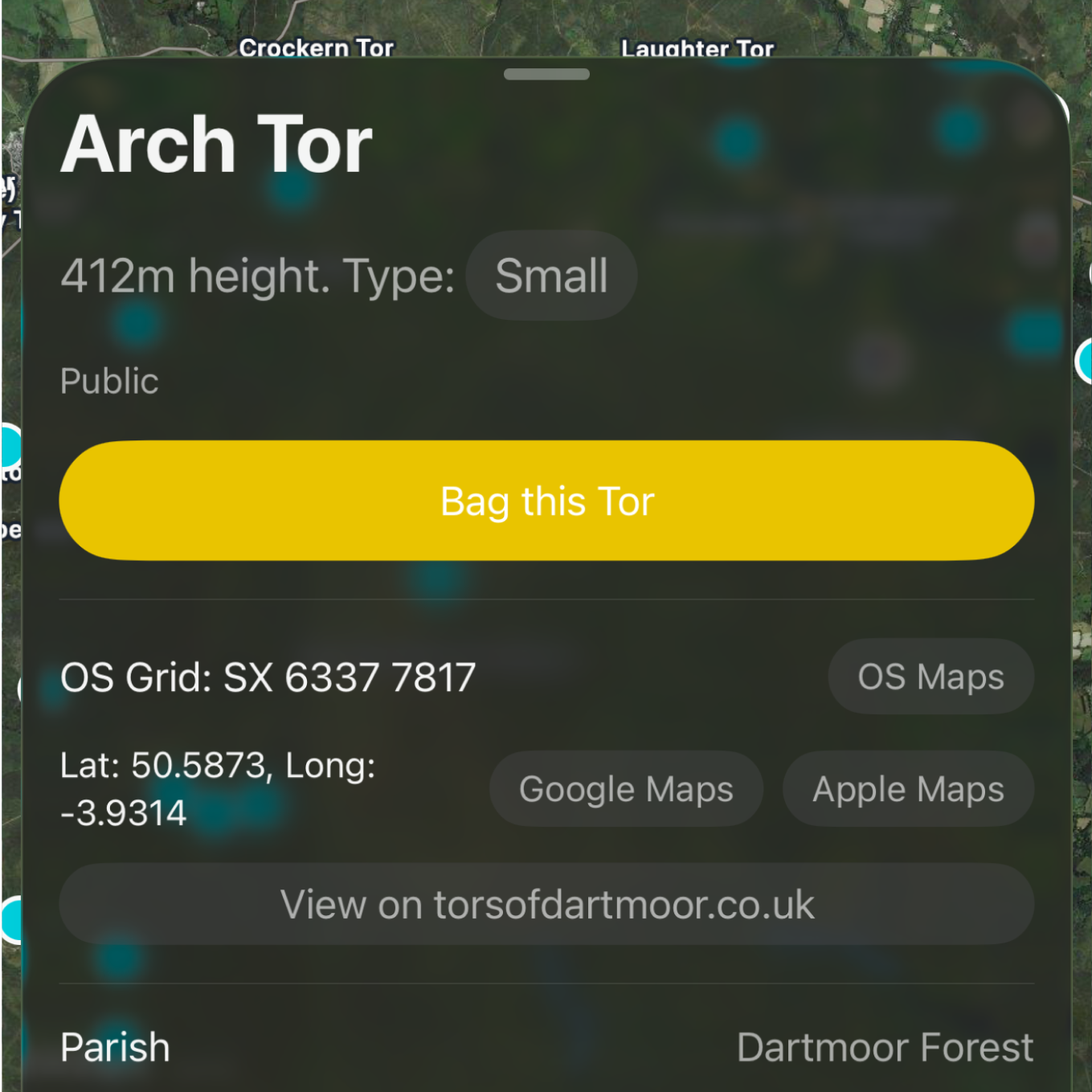
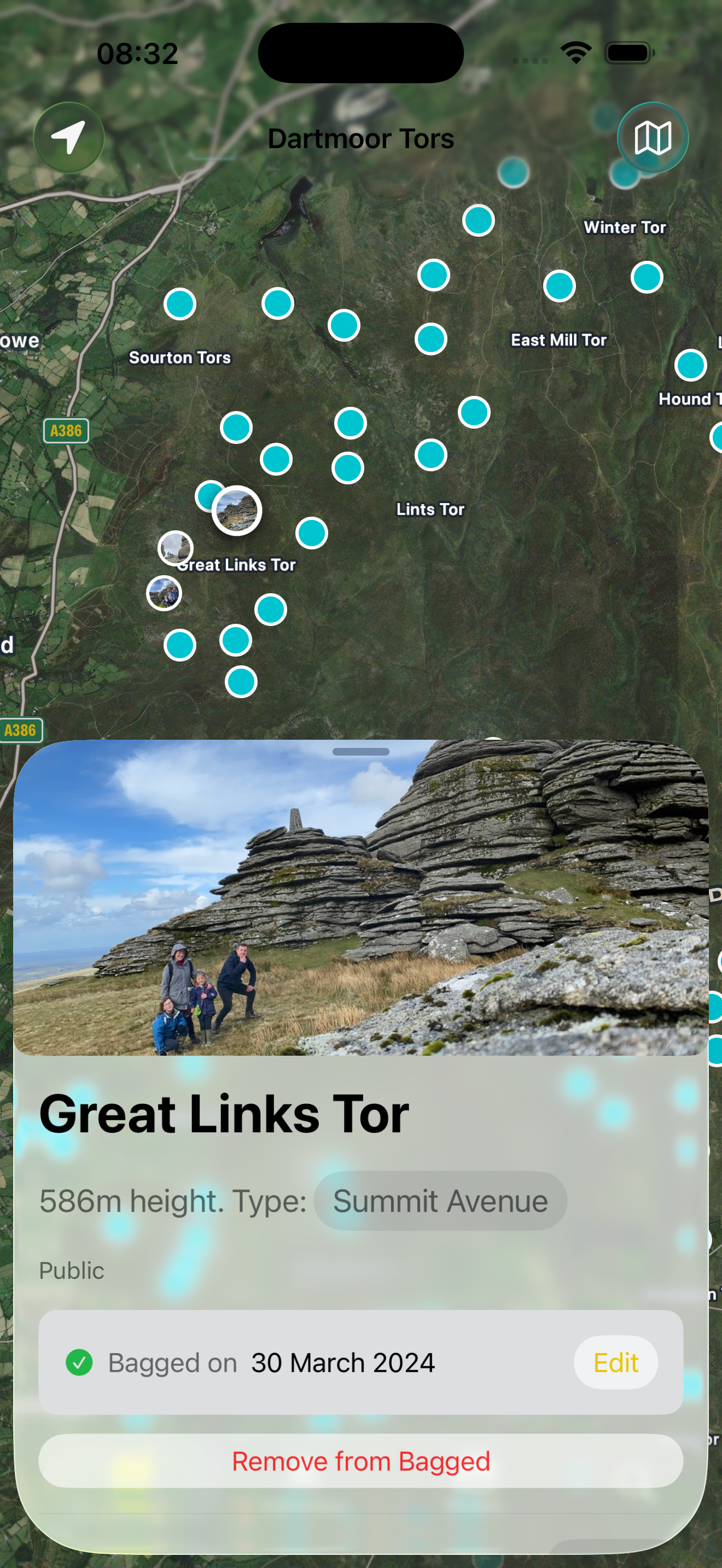
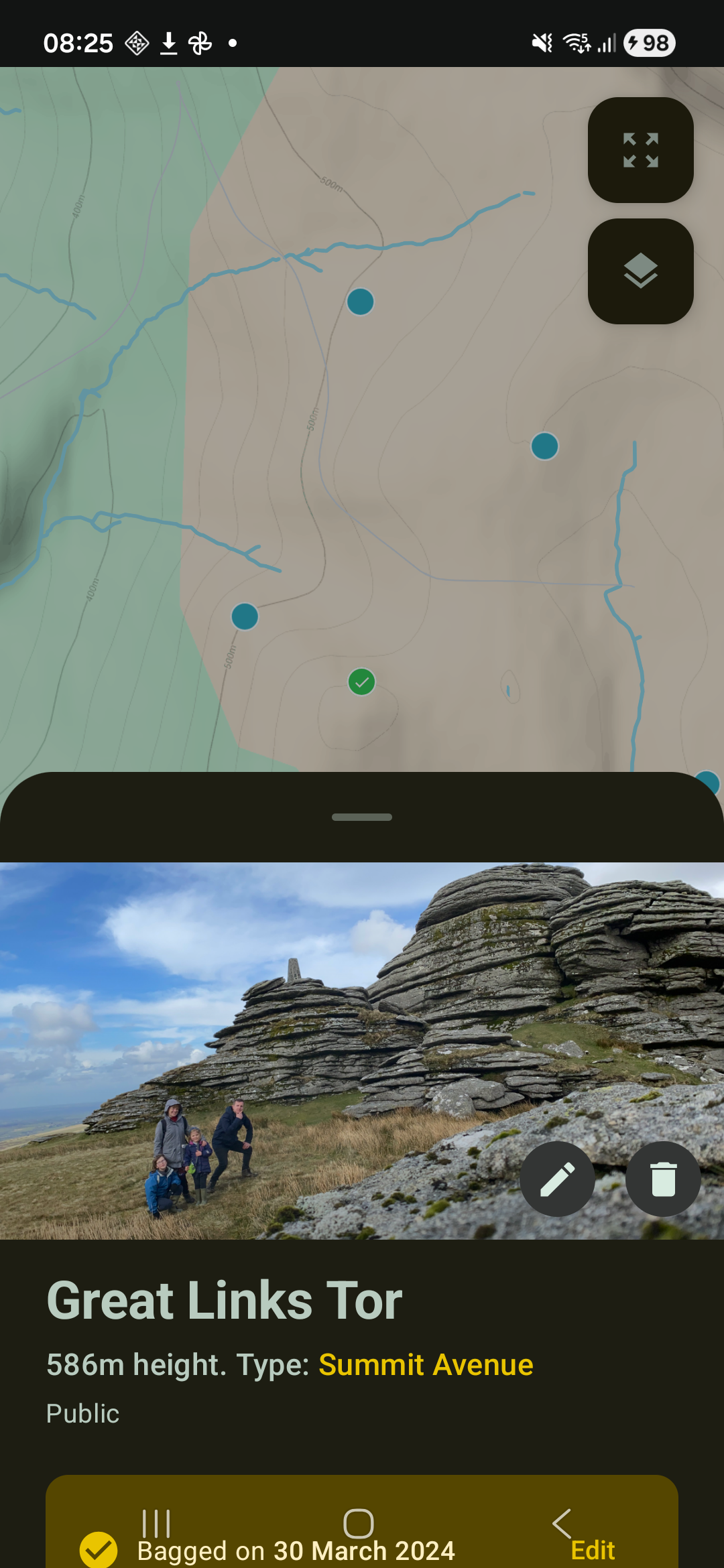
3. Create an album of the tors you've bagged
Keep track of what you've bagged and collect a photo of each tor.
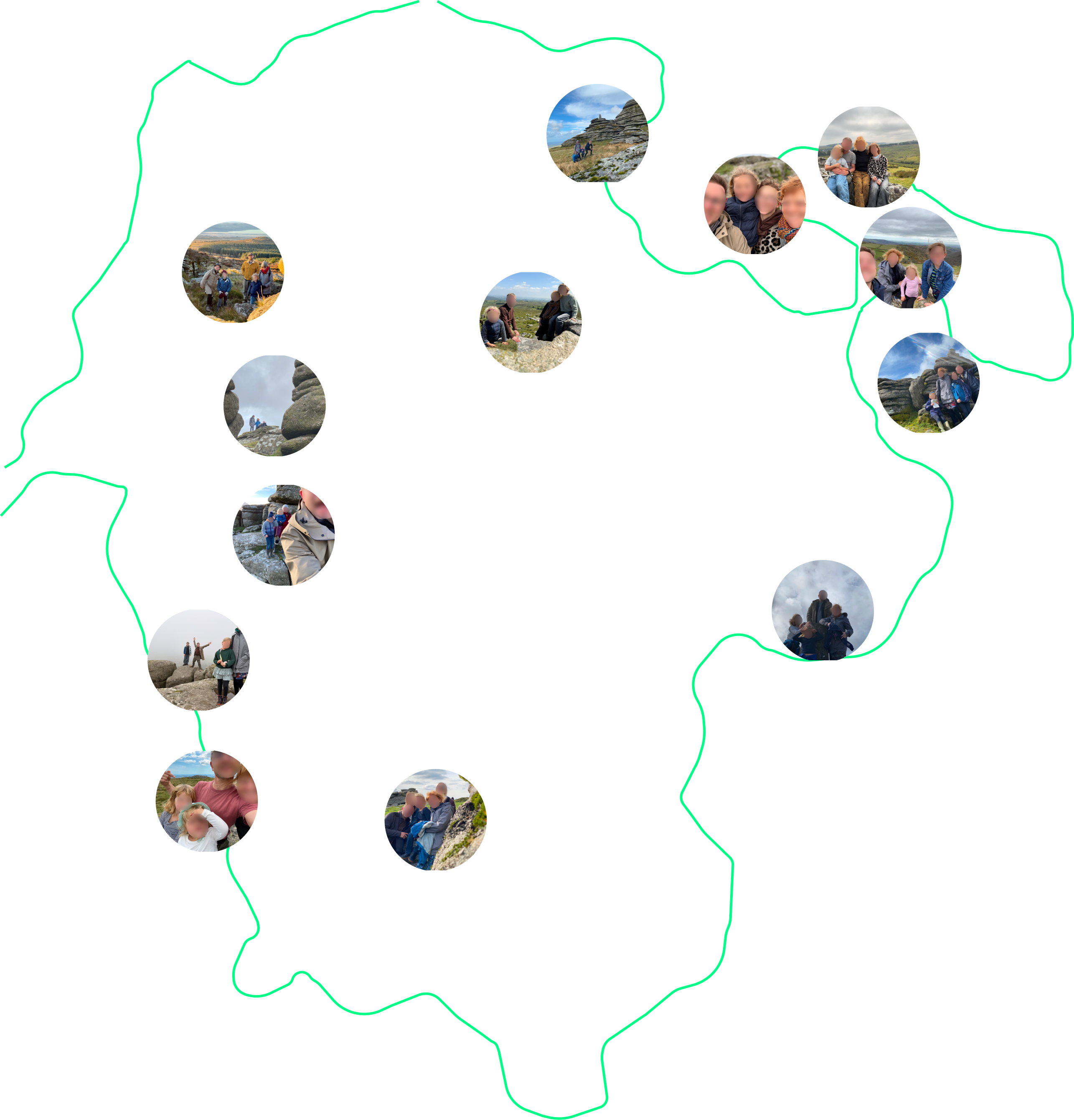
Features
Identify tors
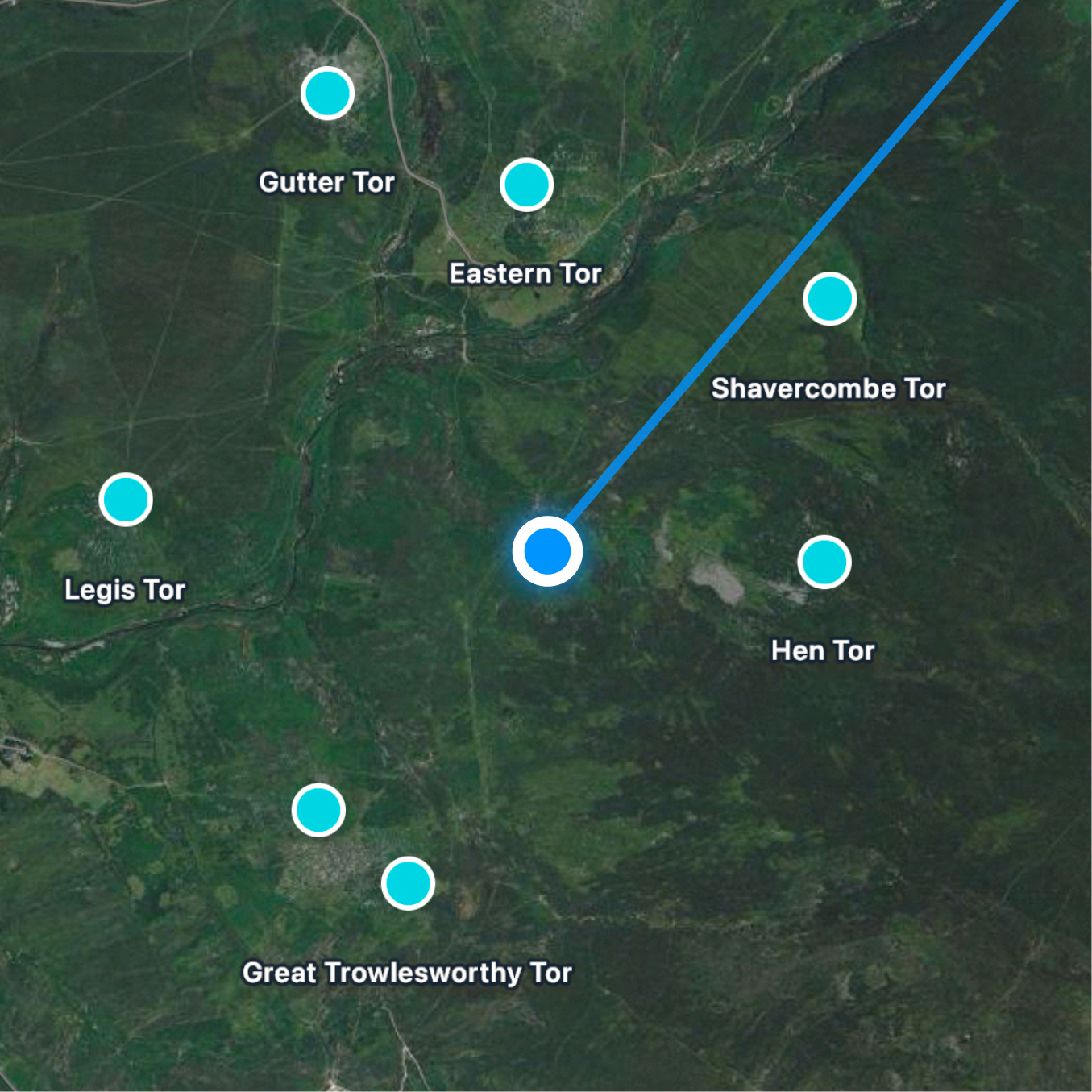
Draw a line on the map with your phone's compass and GPS to identify tors in the distance.
Precise Coordinates
OS grid reference and Latitude / Longitude for all tors.
Access Information
Public and Private tors. You must seek permission to bag private tors.
Navigation
Open a tor in Google, OS or Apple maps to get directions.
Track Visits
Record the date of your visit and keep track of your progress.
Photo Discovery
Find the tors you've already bagged by searching your library for photos taken near tor locations.
iCloud Sync (iOS)
Sync with other devices via iCloud.
Share Albums (iOS)
Helps you keep track of what photos you've added to a shared Tors album.
Thanks to the team behind the torsofdartmoor.co.uk for their fantastic work and for the various authors who have curated lists of tors.
Start Your Adventure Today
Part of a non-profit organization? Get in touch